
FLUX.2 is an AI tool that turns text descriptions into high-quality images with precision. It excels at complex prompts, text embedding, and diverse styles, delivering top prompt following, visual quality, image detail, and output diversity. Launched by Black Forest Labs, FLUX.2 is the upgraded second-generation text-to-image AI model series over FLUX.1. It stands as an open-source, high-performance, professional-grade tool. Many call it the strongest open-source text-to-image model of 2025. The lineup includes FLUX.2 pro, FLUX.2 dev, and FLUX.2 schnell.
Select the model you want to generate your image with.
Model Version
Task
Free FLUX.2 AI Generator – Explore Flux 2 Model Upgrade with FLUX2 Pro
Free FLUX.2 generator gives creators access to FLUX2 AI, Flux 2.0 model upgrades, and FLUX.2 Pro features. Generate high-quality AI outputs and streamline your workflow effortlessly.
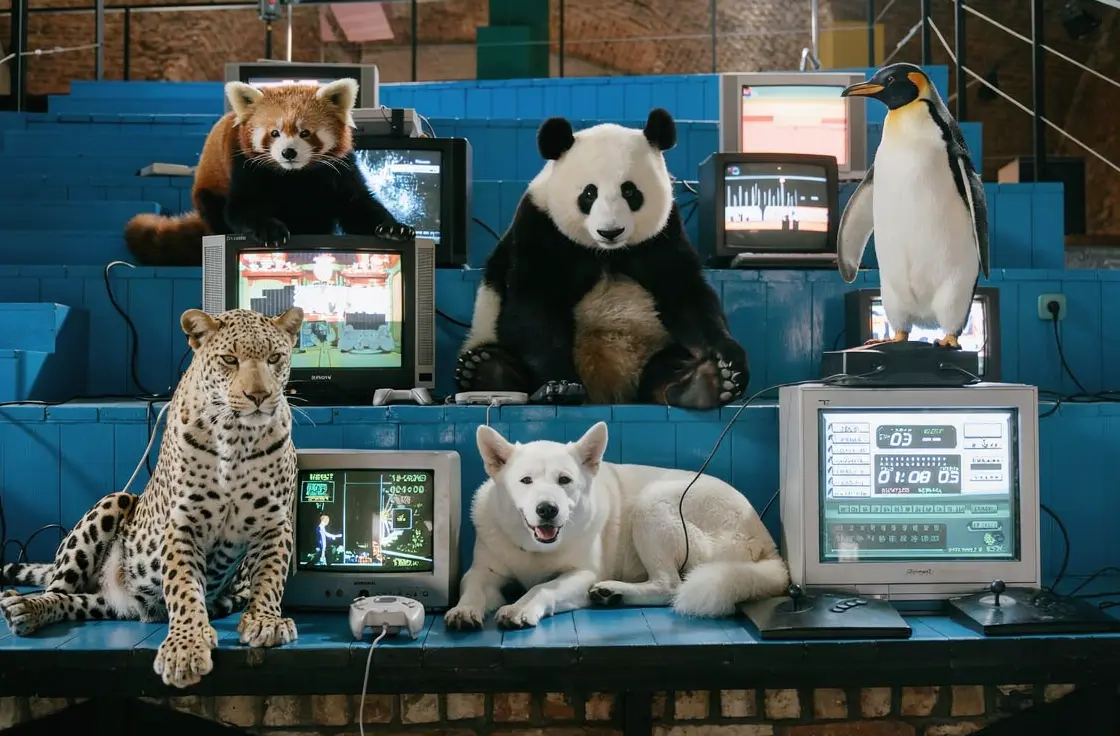
Your Generated Images
No images yet. Generate your first masterpiece!
What Is FLUX.2?
Flux 2 Is Better Than FLUX.1
The Flux 2 upgrade brings clear gains over FLUX.1. It generates images faster while keeping quality high. Prompt understanding improves, so complex scenes match descriptions better. Character consistency stays strong across outputs. Text rendering in images looks sharper and more accurate. These advances make FLUX2 AI a solid step up for creators.
Flux 2 Model Outperforms Flux 1.1 Pro Ultra
FLUX.2 pro leads the Flux 2 model family with pro-level detail. It handles intricate edits and generation in one flow. Users get seamless control from prompt to final image. Compared to Flux 1.1 Pro Ultra, this version offers richer diversity and finer output. The flux 2.0 framework supports smooth workflows for pros.
Nano Banana 2 Faces Strong Rival in FLUX.2
High-quality image generation reaches new heights with FLUX.2. It rivals Nano Banana 2 in speed, style range, and realism. Output variety and prompt loyalty give FLUX.2 a clear lead in daily use.
Key Features of FLUX.2
Top Prompt Following in Flux 2
FLUX.2 leads with top prompt following. It grasps complex prompts better than FLUX.1. The model matches text to image with high accuracy. Semantic understanding handles detailed scenes well. Flux 2.0 turns tricky ideas into spot-on visuals fast.

Superior Visual Quality for FLUX.2
Visual quality jumps in the Flux 2 upgrade. Images show sharper textures, light, and shadows. Compared to Flux 1.1 Pro Ultra, details pop more. FLUX.2 pro delivers pro-grade polish every time. Creators get clean, vivid results.
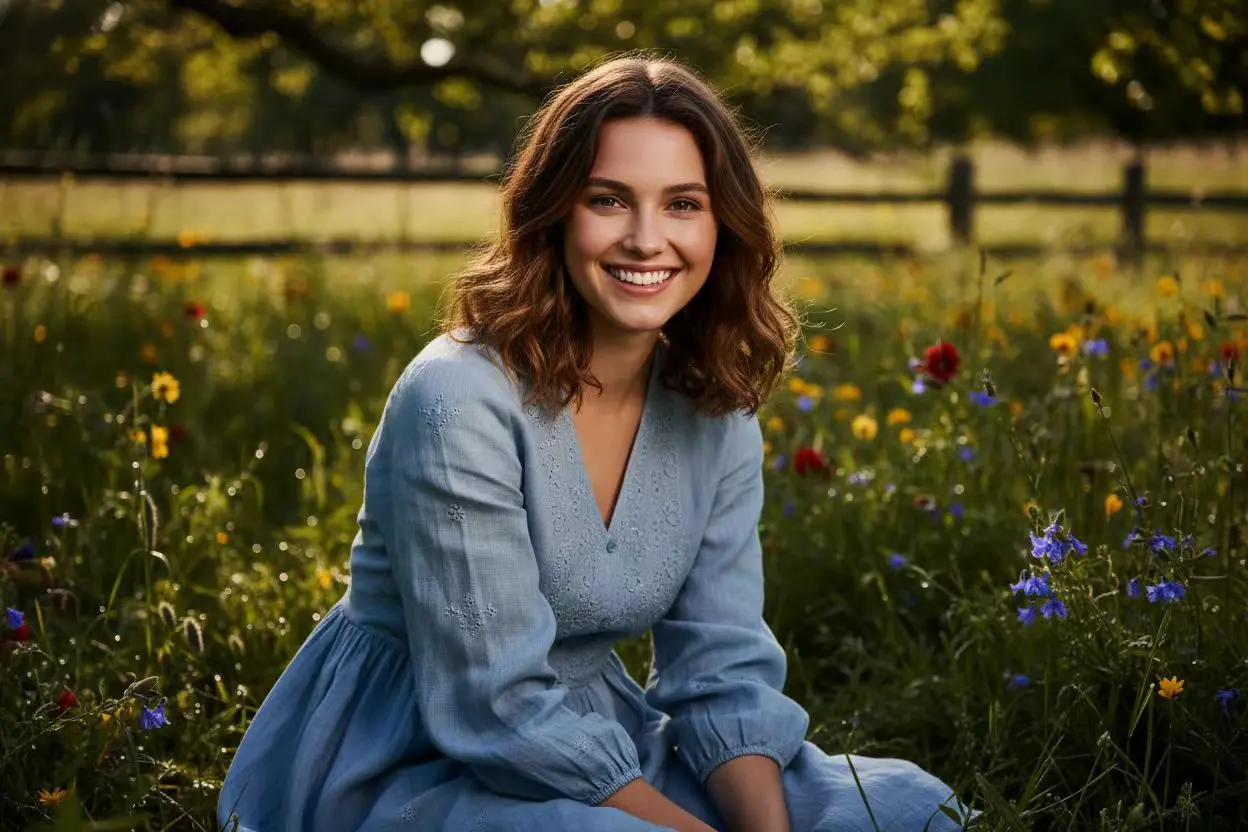
Intricate Image Detail in Flux 2 Model
Image detail stands out in FLUX.2. The tool controls fine elements with ease. From edges to patterns, nothing blurs. This Flux 2 model matches Nano Banana 2 in precision. Outputs stay crisp across styles.

Wide Output Diversity with FLUX.2
Output diversity thrives in FLUX.2. Pick from many styles without effort. Flux 2.0 supports free online use with 24/7 access. FLUX2 AI rivals top tools like Nano Banana 2 in range. Users explore endless looks smoothly.
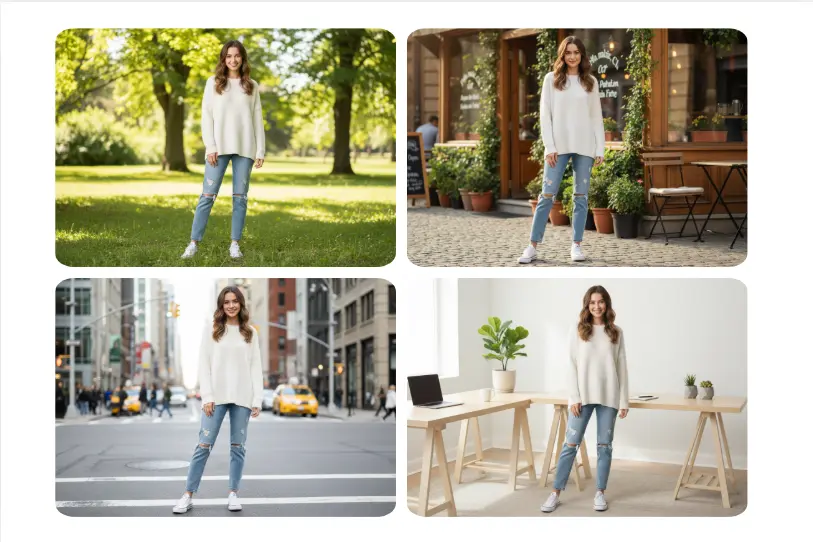
How to Use FLUX.2 on fluxai.art?
Step 1: Enter Your Idea to Start with Flux 2 Prompt
Type your idea into the FLUX.2 input on fluxai.art. This simple step powers the Flux 2 model for instant results.
Step 2: Choose Flux 2.0 Settings Fast on fluxai.art
Select image ratio in FLUX.2. It makes tweaks easy for pro output.
Step 3: Generate Flux.2 Pro Image And Get It Now
Click generate with FLUX.2 for pro results and download your Flux.2 image without wait.
Popular FLUX.2 Use Cases
Design Logos with Flux 2 For Pro Branding
Create clean logos using FLUX.2 on fluxai.art. Enter brand name and style for output that nails text and shapes every time.
Make Memes via Flux 2.0 For Viral Fun
Build funny memes with FLUX.2 on fluxai.art. Add punchy text like "adding wink to photo" to generate images for share-ready laughs.

Craft Social Posts in Flux.2 For Eye-Catch Content
Produce stunning images used for posts with FLUX.2 on fluxai.art. Use Flux.2 to blend visuals and captions for engagement.
FAQs About FLUX.2 on FluxAI.art
FAQ
Is FLUX.2 on FluxAI.art free to use?
FAQ
What makes flux 2.0 on FluxAI.art faster?
FAQ
How long does FLUX.2 take to generate an image?
FAQ
How good is FLUX2 AI on FluxAI.art for text in images?
FAQ
Can I customize the style of FLUX.2 images on FluxAI.art?
FAQ